


OS X Daily: “Which iPad 3 Should You Get?” plus 9 more |  |

- Which iPad 3 Should You Get?
- Retina iOS App Icon Template PSD
- How to Jailbreak iOS 5.1 with Redsn0w [Tethered]
- Redsn0w 0.9.10b6 Tethered Jailbreak for iOS 5.1 Available to Download
- New iPad Keynote Video
- New iPad TV Commercial: “This Good”
- iTunes 10.6 Released
- iOS 5.1 Released [Direct Download Links]
- Pre-Order the New iPad Now, Release Date is March 16
- New iPad 3 Released: Features, Specs, & Prices
| Posted: 08 Mar 2012 10:51 AM PST
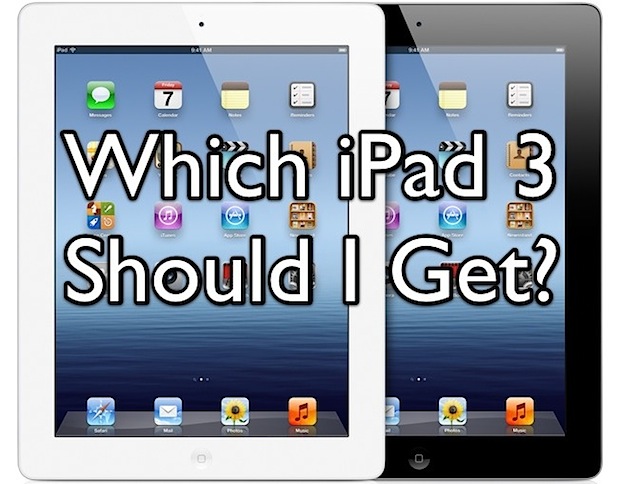
The new iPad is a beautiful thing and will attract many more people to the platform, and so the big question is; which iPad 3 should you get? The answer is pretty simple: buy the 16GB Wi-Fi model. Here are four reasons the base model is perfect, and an attempt to answer questions about color and the never-ending Verizon vs AT&T debate.
Keep in mind that iPad 3 specs are the same other than the storage capacity and 4G capability. All models have the same gorgeous Retina display, all models have the same processor and graphics abilities, and all models include the same camera. The only other difference between models ends up being the availability during the initial months, with the 16GB models tending to sell out faster than anything else. To avoid that, you may want to pre-order now. What About Color? Screw You, I Want the 4G LTE Model Anyway. Should I Get Verizon or AT&T? What About iPad 2 for $399? Do you agree with this advice? Do you disagree? Let us know in the comments.
|
| Retina iOS App Icon Template PSD Posted: 08 Mar 2012 09:23 AM PST
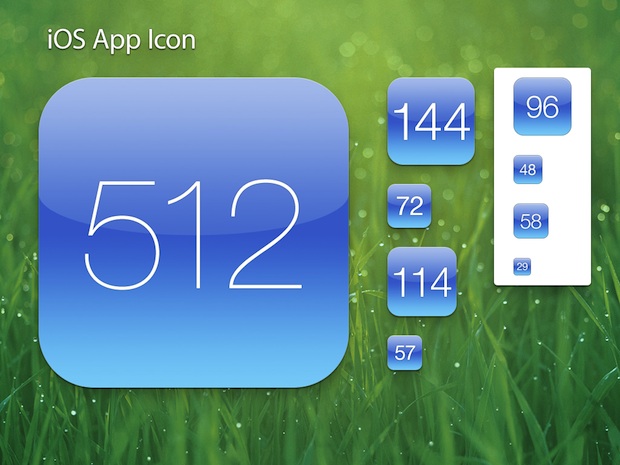
If you’re spending the time and money to develop an iOS app, don’t skimp on the icon. This may sound like silly advice, but the fact is a good icon can make your app stand out in the App Store and on a users home screen, encouraging both downloads and use. If you’re not a designer it can be challenging and expensive to get a good icon made, but thanks to Louie Mantia on Dribble, you should be able to create a tolerably decent one yourself using a retina iOS app icon template. The template come as a nicely layered PSD file and covers a variety of sizes for the icon, but perhaps most importantly with the new iPad out is the 512×512 pixel template. Start big and refine as you go down, you should have a gorgeous iOS icon in no time. This will be useful even for web designers and developers who want to use it as a template for the apple-touch-icon.png iOS bookmark icon that appears on a Home screen whenever an individual bookmarks a site. Speaking of helpful PSD files, don’t miss the iOS 5 GUi elements and OS X Lion GUI PSD, both are helpful for mocking up apps. Hat tip to @AppleSpotlight on Twitter, you can follow us there too
|
| How to Jailbreak iOS 5.1 with Redsn0w [Tethered] Posted: 08 Mar 2012 08:46 AM PST
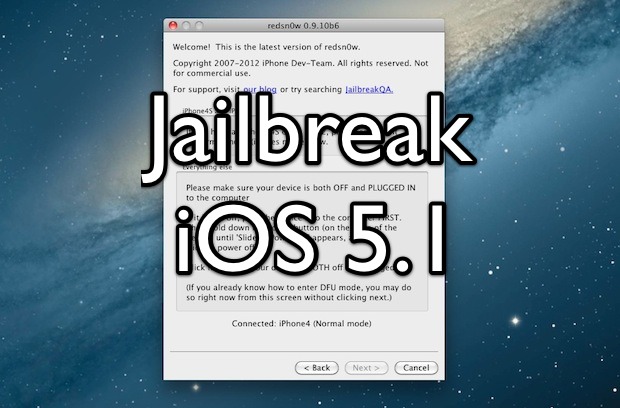
A version of Redsn0w has been released to jailbreak iOS 5.1 tethered. While easy to do and easy to reverse, be sure to understand the difference between a tethered and untethered jailbreak. Put simply, tethered means the device must be connected to a computer to boot properly and become usable. Some consider this annoying and therefore it is not always recommended. Requirements
Notice that iPhone 4S, iPad 2, and iPad 3 are not supported by this jailbreak. Jailbreak iOS 5.1 Tethered with Redsn0w
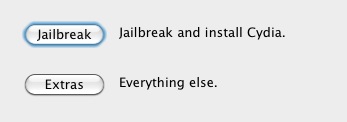
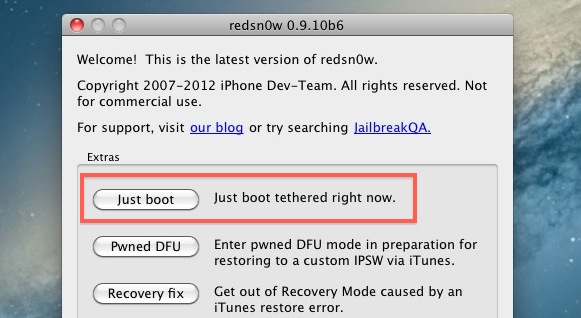
Every time the iPhone, iPad, or iPod touch is turned on or off it will need to be booted using the Redsn0w tether. This means if the battery dies or the device is rebooted for any reason, you will need to connect the iOS device to a computer running Redsn0w and choose the same “Boot Tethered” option from the Extras menu. If you jailbreak and have the white Cydia icon this means you did not perform a tethered boot, launch redsn0w and do so to resolve that. Currently iBooks does not work either, if you’re in the midst of reading a page turning novel you may want to avoid this jailbreak for the time being.
|
| Redsn0w 0.9.10b6 Tethered Jailbreak for iOS 5.1 Available to Download Posted: 08 Mar 2012 08:13 AM PST
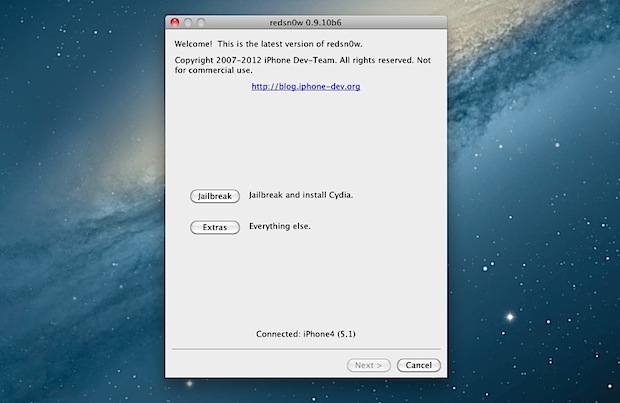
The latest version of iOS 5.1 is already jailbroken thanks to the iPhone Dev Team’s newest release of Redsn0w. The jailbreak is tethered however, meaning that each time the iOS device is rebooted it will need to be connected to a computer running redsn0w for boot assistance. iBooks doesn’t yet work either, but an update is expected to resolve that issue shortly. If neither of these two things bother you, grab the jailbreak and enjoy. Redsn0w 0.9.10b6 works with the following devices running iOS 5.1: iPhone 3GS, iPhone 4 CDMA & GSM, iPod touch 2nd, 3rd, & 4th gen, iPad 1. Not supported are any A5 based hardware, including iPhone 4S, iPad 2, and iPad 3. Download Redsn0w 0.9.10b6
For those jailbreaking from a Windows machine, remember to run Redsn0w in administrator mode in order to work properly.
|
| Posted: 08 Mar 2012 12:25 AM PST
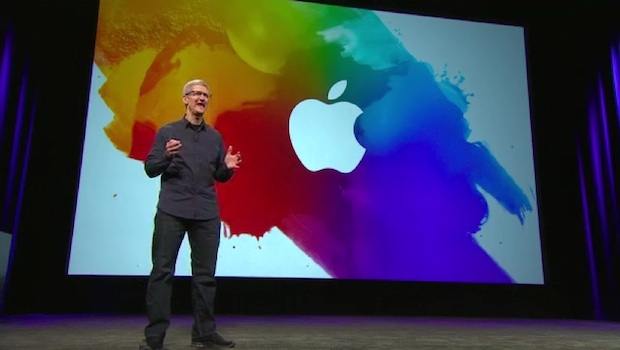
If you like watching Apple keynotes you don’t want to miss the March 7 event video, because who better to show you the new iPad and Apple TV 3 than Apple themselves? Also mentioned in the keynote are some staggering iOS device sales stats, iOS 5.1, iPhoto for iOS, the iPad 2 price dropping to $399, a few third party apps for iOS, and a nice teaser from CEO Tim Cook about other unnamed innovative products to come this year. The video is about 85 minutes long and tends to load best in Safari.
|
| New iPad TV Commercial: “This Good” Posted: 07 Mar 2012 06:40 PM PST Alongside the new iPad, Apple has started to air a new TV commercial for the device. The ad focuses on the iPads new Retina display, which by all accounts is simply gorgeous in person. Text of the commercial is as follows: “When a screen becomes this good, colors are more vibrant, words are pin sharp, everything is more brilliant. Because when a screen becomes this good, it’s simply you and the things you care about. The stunning retina display, on the new iPad.” The resolution of the new iPads display is 2048×1536, twice that of it’s predecessor. The screen is also said to have better color reproduction and improved saturation. You can pre-order the new iPad right now, the release date is set for March 16.
|
| Posted: 07 Mar 2012 02:11 PM PST
iTunes 10.6 has been released alongside iOS 5.1. The update includes 1080P support for movies and TV shows downloaded from iTunes Store, but otherwise is fairly minor and includes several bug fixes and improves song matching and how album art is handled. You can grab the 10.6 update directly from Apple at the link below, through Software Update, or through iTunes itself. If you intend on performing a manual iOS 5.1 installation through firmware, you’ll want to download iTunes 10.6 beforehand as well.
|
| iOS 5.1 Released [Direct Download Links] Posted: 07 Mar 2012 12:29 PM PST
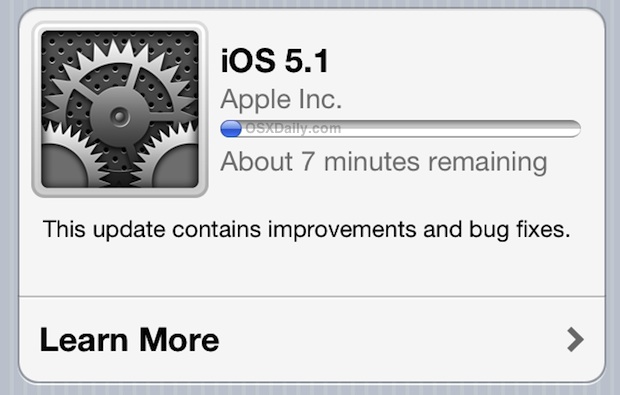
iOS 5.1 has been released, alongside the new iPad 3 and new Apple TV. The update brings a variety of new features and bug fixes to iOS including the ability to delete images from Photo Stream, camera shortcut visible by default on lock screen, improved camera face detection, Japanese language support for Siri, genius mixes for iTunes Match, updated AT&T network indicator, improved battery life, and more. You can get the iOS 5.1 software update directly on your iPhone, iPad, or iPod touch by using OTA Update, otherwise you can update through iTunes or by downloading the IPSW and performing a manual upgrade. We have included links to the firmware files below, they are hosted by Apple. Download iOS 5.1iOS 5.1 (build 9B176) is compatible with iPad 1, iPad 2, iPhone 3GS, iPhone 4, iPhone 4S, iPod touch 3rd & 4th gen, and iPad 3. Additional builds are available for Apple TV 2 and Apple TV 3.
If you don’t know how to use IPSW files, you should just update with iTunes or on the device itself using over-the-air downloads.
|
| Pre-Order the New iPad Now, Release Date is March 16 Posted: 07 Mar 2012 11:01 AM PST
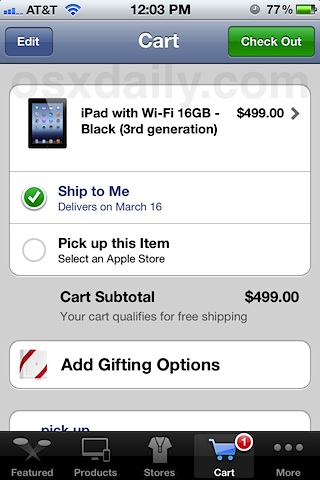
The all new iPad (iPad 3?) has just been announced, and pre-orders start now March 7! The actual release date is March 16, and you can expect the traditionally giant lines and sell-outs as usual. because of this, pre-ordering is highly recommended if you don’t want to wait in lines at Apple Stores, or deal with the inevitable supply deficits that have occurred with every major new iOS product launch. You can now pre-order on Apple’s Online Store, either directly on the website or through the mobile app. If you’re having problems checking out through store.apple.com, download the free Apple Store app from iTunes and check out there instead.
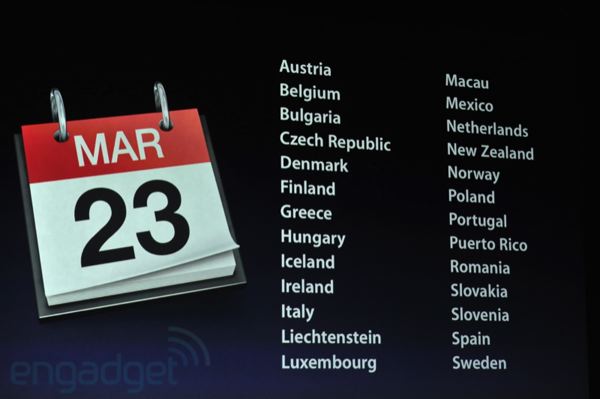
It should be noted that the March 16 release date is for the USA, Canada, Australia, Japan, UK, Germany, and France. International customers will get the new iPad on March 23, including the following countries: Austria, Belgium, Bulgaria, Czech Republic, Denmark, Finland, Greece, Hungary, Iceland, Ireland, Italy, Liechtenstein, Luxembourg, Macau, Mexico, Netherlands, New Zealand, Norway, Poland, Puertostan, Portugal, Puerto Rico, Romania, Slovakia, Slovenia, Spain, and Sweden.
Also available for order today is the new Apple TV 3 with 1080p, that device will also ship next week and has the same release date.
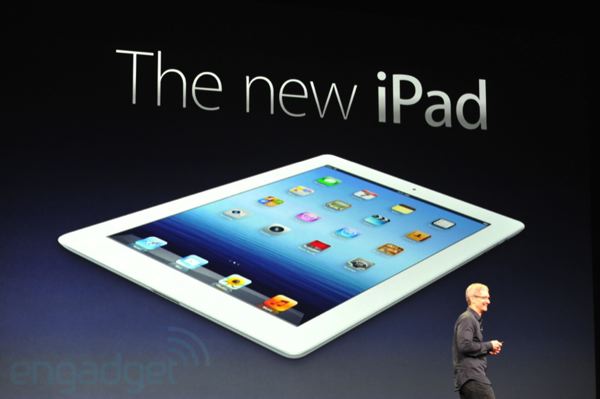
Thanks to Engadget live stream for the latter images
|
| New iPad 3 Released: Features, Specs, & Prices Posted: 07 Mar 2012 10:41 AM PST
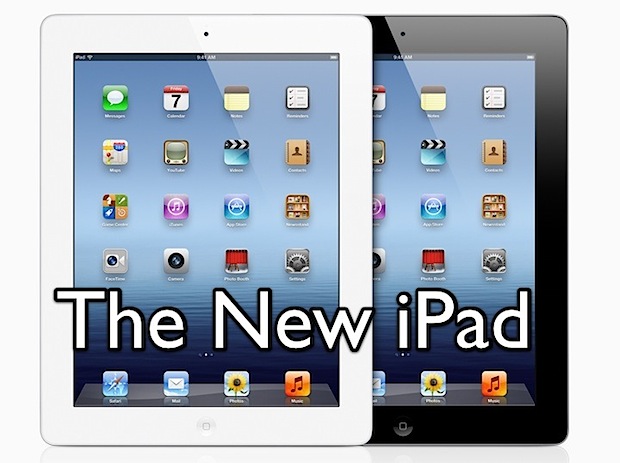
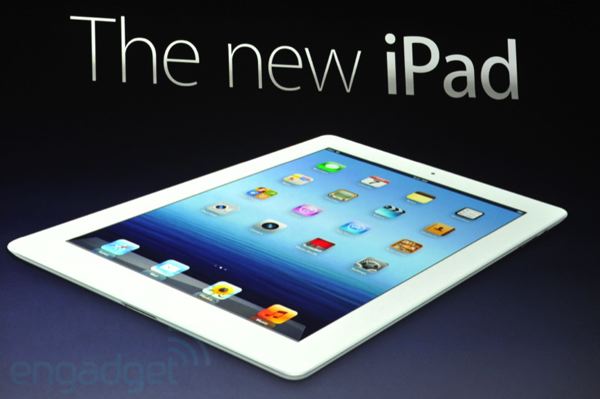
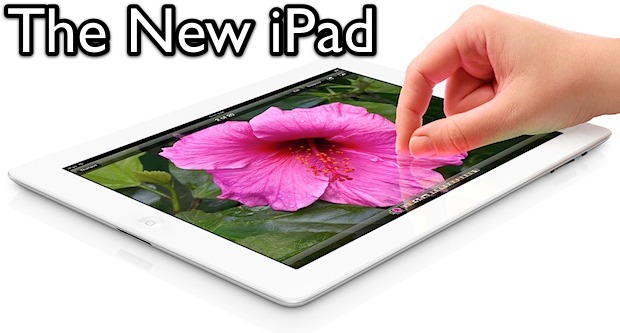
The new iPad has been announced by Apple! As expected, it has an amazing retina display, a big performance boost, and a new model with high-speed 4G LTE capabilities alongside the standard Wi-Fi fare. Here are some more details of the latest iPad: iPad 3 Features & SpecsHere is what we know about the next iPad:
4G support comes to both Verizon and AT&T. Outside of the USA, 4G LTE will also be offered on Rogers, Bell, and Telus initially, presumably with more carriers to come down the road. The iPad can also be used as a personal hotspot with it’s 4G speeds, although the price of that varies per carrier. New iPad 3 PricesBoth black & white models will be available, as usual: New iPad with Wi-Fi Prices
New iPad with 4G LTE Prices
(Officially, the new iPad is called “iPad” and referred to as the “3rd generation” model, but many people will call it iPad 3 anyway.)
|
| You are subscribed to email updates from OS X Daily To stop receiving these emails, you may unsubscribe now. | Email delivery powered by Google |
| Google Inc., 20 West Kinzie, Chicago IL USA 60610 | |
0 comments:
Post a Comment