


OS X Daily: “Change Photoshop CS6 Dark Interface Color Scheme to Light” plus 2 more |  |

- Change Photoshop CS6 Dark Interface Color Scheme to Light
- 24 Multi-Touch Gestures for Mac OS X
- Diablo 3 Open Beta Weekend Starts Today, Download & Play for Free
| Change Photoshop CS6 Dark Interface Color Scheme to Light Posted: 20 Apr 2012 11:29 AM PDT
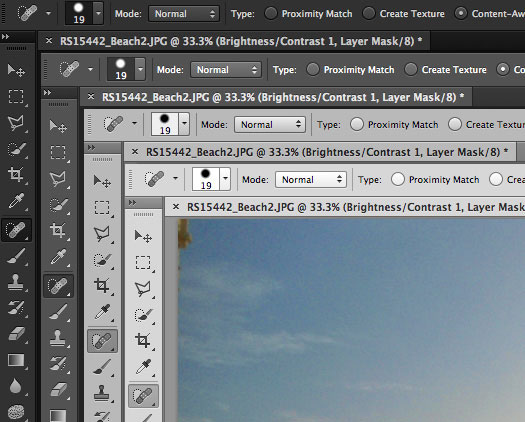
Don’t like the dark user interface and color scheme of the Photoshop CS6 beta? You can easily change it by cycling through four different theme choices, ranging from the default darkest grey, dark grey, medium grey, and light gray. Hit Shift+Function+F2 to lighten the Photoshop UI or Shift+Function+F1 to darken the interface elements. If you’re averse to keyboard commands, you can find the interface options within Photoshop Preferences as well. This tip comes to us from the unofficial Photoshopsupport.com, thanks for sending it in Max!
|
| 24 Multi-Touch Gestures for Mac OS X Posted: 20 Apr 2012 09:04 AM PDT
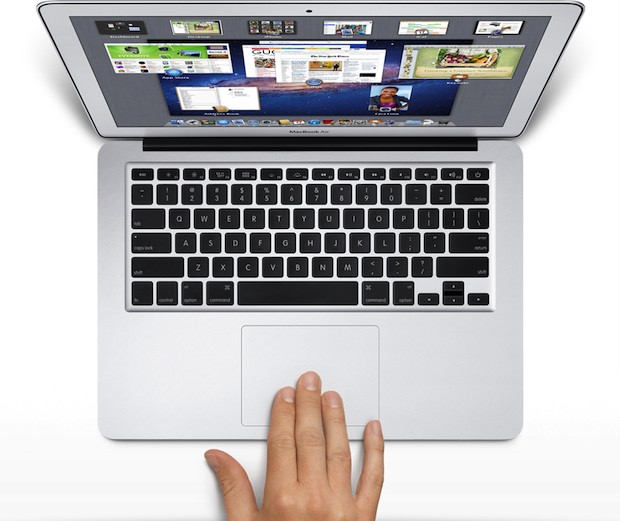
Most Macs have multi-touch capabilities these days, allowing for gestures to perform common tasks that would otherwise require keyboard shortcuts or additional clicking about. To use the gestures, you’ll obviously need a Mac with multitouch capabilities, that means either a newish laptop with a trackpad, Magic Trackpad, or Magic Mouse. Some gestures require OS X Lion or later to use, and some gestures may have to be enabled manually in the System Preferences > Trackpad control panel. Without further ado, here’s a bunch of helpful gestures for Mac OS X and commonly used Mac apps: Finder, Mission Control, and Desktop
Safari, Chrome, Firefox
Quick Look & QuickTime Player
Preview
Misc
Know any other helpful multitouch gestures for Mac OS X or popular Mac apps? Let us know in the comments.
|
| Diablo 3 Open Beta Weekend Starts Today, Download & Play for Free Posted: 20 Apr 2012 08:06 AM PDT
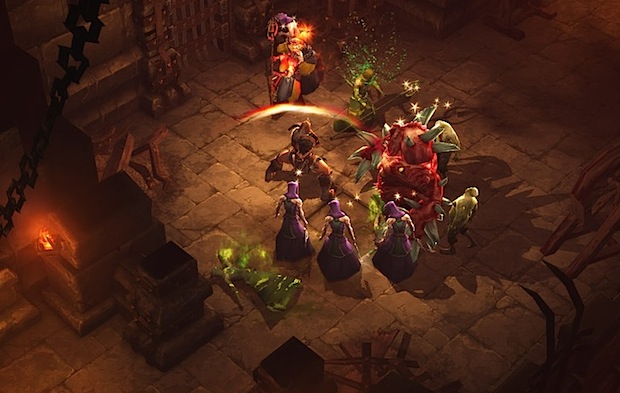
Are you a gamer? Toss your plans out the window for the next few days because Diablo 3 is free to play all weekend long. Dubbed an “open beta”, the free weekend is intended to help Blizzard load test the Diablo III game servers before the official public release on May 15. You’ll be able to play the game from today (April 20) at noon until Monday, April 23 at 10AM PST, with complete access to all five character classes up to level 13. Playing Diablo 3 Open Beta is completely free for both Mac OS X and Windows users, here’s what you need to get started:
Whether you’re a fan of the Diablo series or just Blizzard games in general, this is a great chance to get an early look at the game. Likewise, it’s also a good opportunity to see if you like Diablo 3 before shelling out for the full paid version when it comes out next month.
|

| You are subscribed to email updates from OS X Daily To stop receiving these emails, you may unsubscribe now. | Email delivery powered by Google |
| Google Inc., 20 West Kinzie, Chicago IL USA 60610 | |
0 comments:
Post a Comment